.png)
One Account for
Your Whole Family's Health
Manage health records for your spouse, children, and elderly parents — all from one account. Switch between family members with one tap and keep everyone's medical info organized.
Add Your Family Free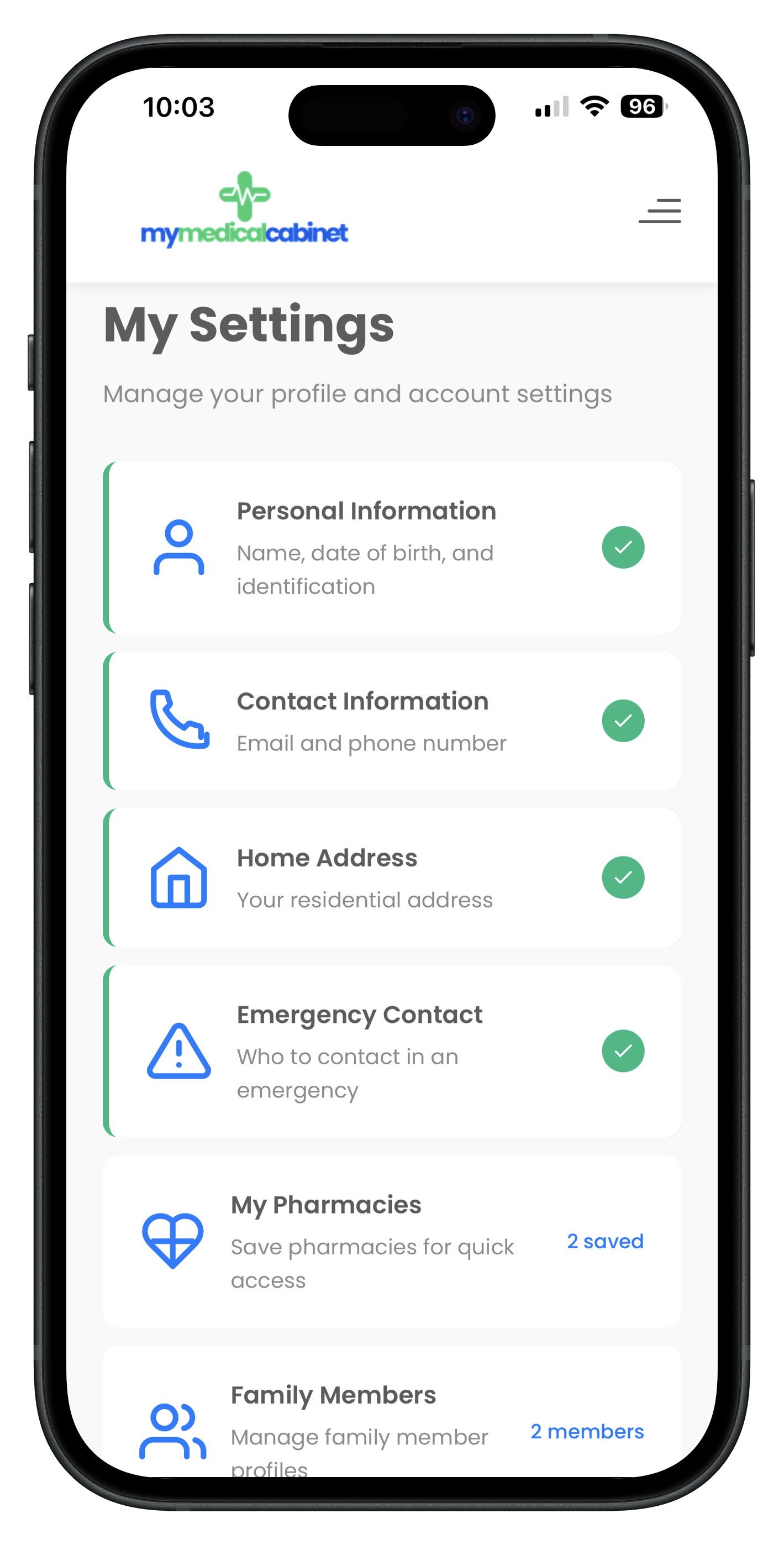
Everyone's Health Records, One Place
If you're a parent, a caregiver, or just the person in your family who keeps track of everyone's medical information, you know how overwhelming it can be. Different doctors, different medications, different insurance plans — multiply that by every family member and it becomes a full-time job.
MyMedicalCabinet's family member feature lets you manage health records for everyone in your household from a single account. Add your spouse, children, elderly parents, or anyone whose health you help manage. Each person gets their own complete profile with separate medications, doctors, medical bills, insurance, conditions, and documents.
Switching between family members is instant — just tap their name at the top of any screen. When you switch, every section of the app (bills, meds, doctors, insurance) updates to show that person's records. No separate logins, no confusion, no missed details.
- Add spouse, children, elderly parents, or dependents
- Switch between family member profiles with one tap
- Each member gets their own bills, meds, doctors, and insurance
- No separate accounts or logins needed
- Share any family member's records with their doctor
How Family Health Management Works
Add Family Members
Go to Settings and add family members with their name, date of birth, and relationship. Each person gets their own complete health profile instantly.
Manage Their Records
Switch to any family member's profile with one tap. Add their medications, doctors, insurance, medical bills, conditions, and documents — all kept completely separate.
Share When Needed
Share any family member's records with their healthcare providers via secure email or QR code. Perfect for managing children's pediatrician visits or elderly parent care.
Frequently Asked Questions
How do I add family members to my MyMedicalCabinet account?
Go to Settings and tap Add Family Member. Enter their name, date of birth, and relationship. Each family member gets their own separate profile where you can manage their medications, doctors, medical bills, insurance, and all other health records independently.
Do family members need their own account?
No. Family members are managed under your single account. They don't need separate logins or accounts. You can switch between family member profiles with one tap to view and manage their individual health records.
What records can I manage for each family member?
Each family member gets their own complete health profile including medications, doctors, medical bills, insurance plans, conditions, allergies, surgical history, immunizations, appointments, and documents. Everything is kept completely separate between family members.
Is there a limit to how many family members I can add?
You can add multiple family members to your account including your spouse, children, elderly parents, or anyone else whose health records you manage. Each family member's data is kept completely separate and organized under your single account.